
Nicht kategorisierte Dateien
Unten werden bis zu 50 Ergebnisse im Bereich 801 bis 850 angezeigt.
-
 CAD Status Leiste.png 936 × 24; 2 KB
-
 CAD Steuerleiste.png 631 × 25; 3 KB
-
 CAD Steuerleiste Auswahl Fange.PNG 102 × 22; 1 KB
-
 CAD Steuerleiste Auswahl Fange AlkisVC.png 36 × 18; 437 Bytes
-
 CAD Steuerleiste Auswahl Fange Konstr.png 102 × 22; 1 KB
-
 CAD Steuerleiste Auswahl Fange VCSelektion.PNG 102 × 22; 1 KB
-
 CAD Steuerleiste Auswahl Zeige.PNG 102 × 22; 1 KB
-
 CAD Steuerleiste Auswahl Zeige VCSelektion.PNG 102 × 22; 1 KB
-
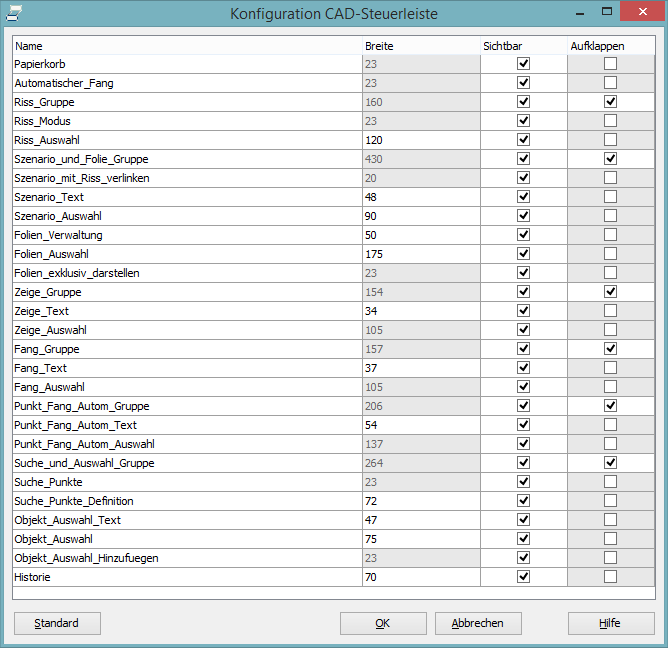 CAD Steuerleiste FensterKonfiguration.PNG 668 × 648; 39 KB
-
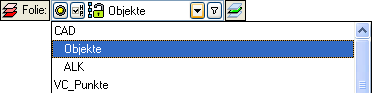 CAD Steuerleiste Folien.PNG 372 × 93; 4 KB
-
 CAD Steuerleiste Folien Button Filter.PNG 33 × 19; 646 Bytes
-
 CAD Steuerleiste Folien Button Folie.PNG 50 × 21; 327 Bytes
-
 CAD Steuerleiste Folien Button NurObjekteFolie.PNG 43 × 21; 343 Bytes
-
 CAD Steuerleiste Folien Buttons Schnellauswahl.PNG 68 × 19; 774 Bytes
-
 CAD Steuerleiste Symbol Einstellen.PNG 22 × 22; 346 Bytes
-
 CAD Steuerleiste Symbol Riss mit Szenario verknuepfen.PNG 41 × 15; 263 Bytes
-
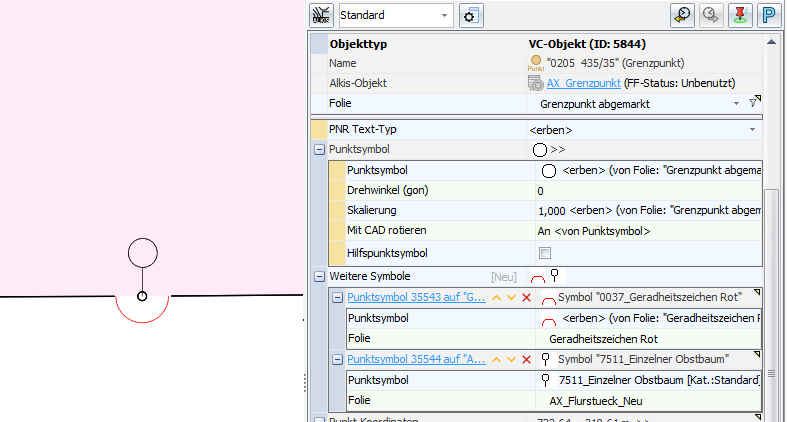 CAD Symbol Punktsymbol.png 787 × 422; 46 KB
-
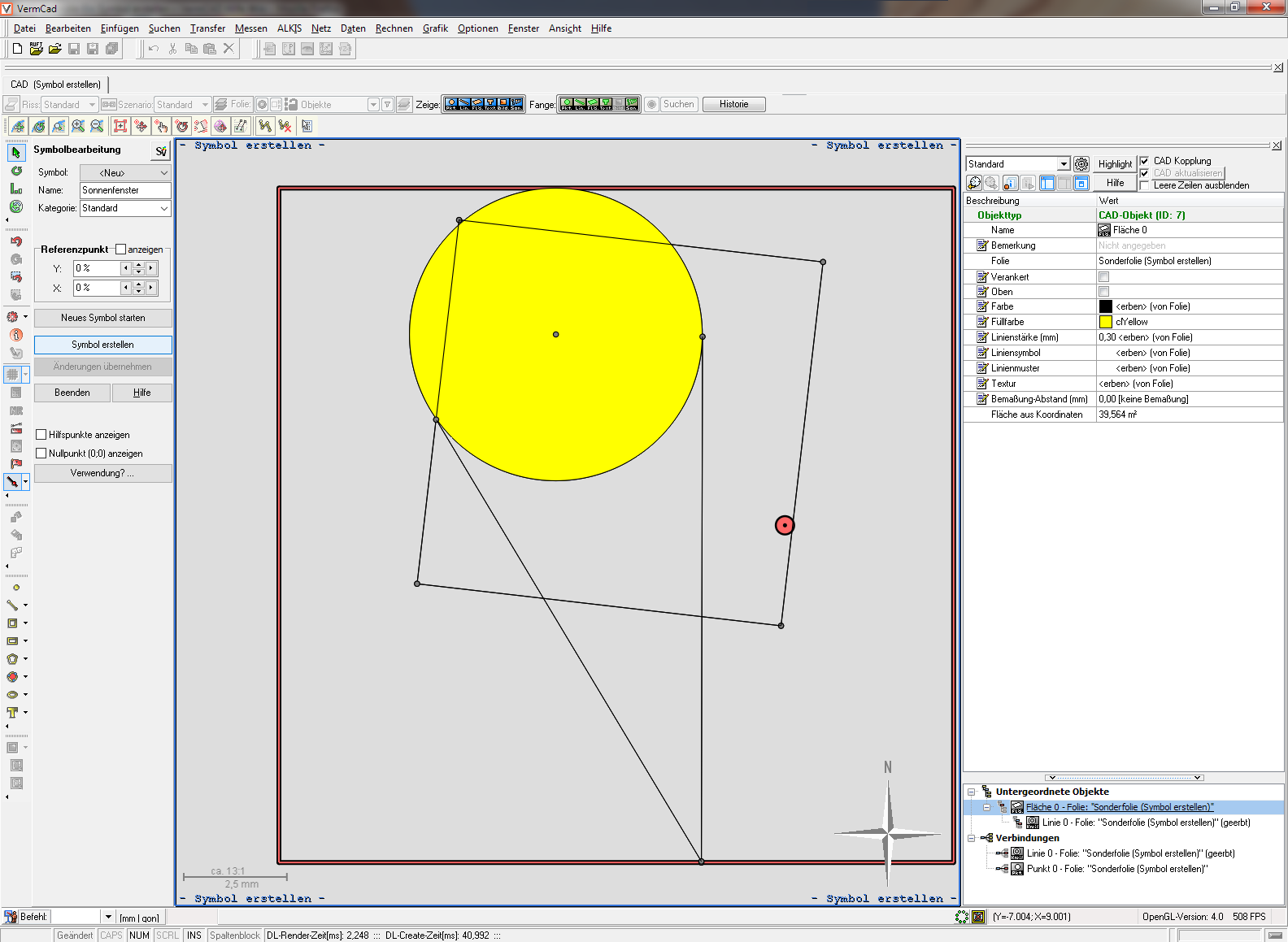 CAD Symbole Erstellen.PNG 1.584 × 1.159; 134 KB
-
 CAD Symbole Icon Symbolverwaltung.PNG 26 × 25; 302 Bytes
-
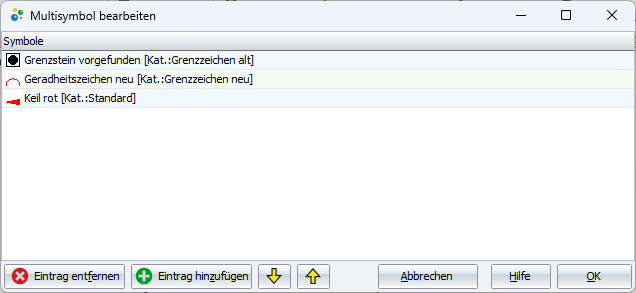 CAD Symbole Multisymbole Dialog.png 636 × 293; 14 KB
-
 CAD Symbole Multisymbole Folie.png 886 × 149; 30 KB
-
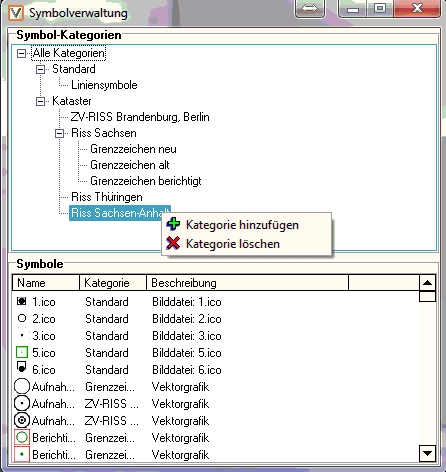 CAD Symbole Symbolverwaltung.PNG 446 × 472; 18 KB
-
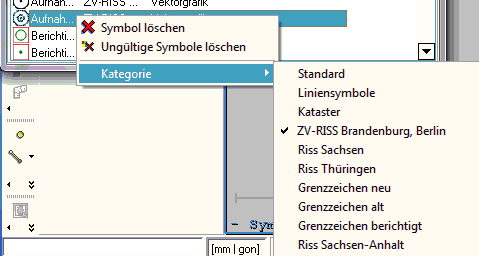 CAD Symbole Symbolverwaltung Kontextmenu.PNG 479 × 256; 12 KB
-
 CAD Symbolleiste.PNG 989 × 24; 6 KB
-
 CAD Symbolleiste Alkis EportDatenZuSelektiertenFlurstuecken.png 32 × 32; 358 Bytes
-
 CAD Symbolleiste Alkis Loeschen.png 32 × 32; 297 Bytes
-
 CAD Symbolleiste Alkis Neu.png 32 × 32; 291 Bytes
-
 CAD Symbolleiste Alkis NutzungAendern.png 32 × 32; 305 Bytes
-
 CAD Symbolleiste Alkis UmliegendeFlurstueckeSelektieren.png 32 × 32; 252 Bytes
-
 CAD Symbolleiste Alkis UmliegendeGrenzpunkteZuFlurstueckenSelektieren.png 32 × 32; 290 Bytes
-
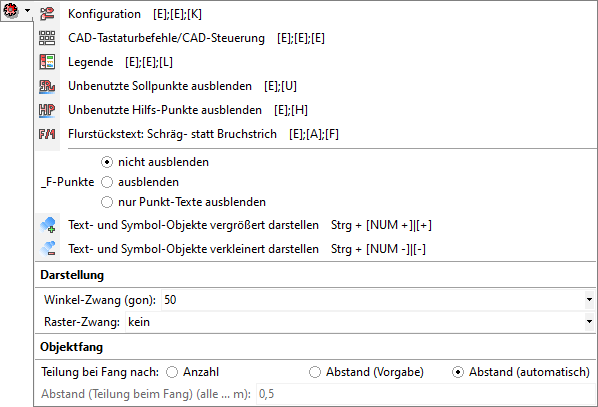 CAD Symbolleiste Einstellungen Untermenu.PNG 598 × 407; 23 KB
-
 CAD Symbolleiste Einstellungen Untermenu Icon Bruchstrich.PNG 32 × 32; 275 Bytes
-
 CAD Symbolleiste Einstellungen Untermenu Icon Konfiguration.PNG 32 × 32; 314 Bytes
-
 CAD Symbolleiste Einstellungen Untermenu Icon Legende.PNG 32 × 32; 275 Bytes
-
 CAD Symbolleiste Einstellungen Untermenu Icon Steuerung.PNG 32 × 32; 253 Bytes
-
 CAD Symbolleiste Einstellungen Untermenu Icon TexteSymboleVergroessern.PNG 32 × 32; 344 Bytes
-
 CAD Symbolleiste Einstellungen Untermenu Icon TexteSymboleVerkleinern.PNG 32 × 32; 331 Bytes
-

-

-
 CAD Symbolleiste Icon Abdocken.png 32 × 32; 905 Bytes
-
 CAD Symbolleiste Icon Abstandsflaeche.PNG.png 32 × 32; 406 Bytes
-
 CAD Symbolleiste Icon Ansicht Rueckgaengig Wiederherstellen.PNG 38 × 80; 444 Bytes
-
 CAD Symbolleiste Icon AuswahlAntragsnummer.png 32 × 32; 1 KB
-
 CAD Symbolleiste Icon Berechnungen.PNG 32 × 32; 689 Bytes
-
 CAD Symbolleiste Icon BildEinpassen.PNG 32 × 32; 935 Bytes
-
 CAD Symbolleiste Icon BilderEinAusblenden.png 32 × 32; 807 Bytes
-
 CAD Symbolleiste Icon Boeschung.PNG 32 × 32; 282 Bytes
-
 CAD Symbolleiste Icon BogenzwischenpunktSetzen.png 32 × 32; 1 KB
-
 CAD Symbolleiste Icon CADAktion.PNG 36 × 36; 254 Bytes
-
 CAD Symbolleiste Icon CADaktualisieren.PNG 32 × 32; 420 Bytes


